


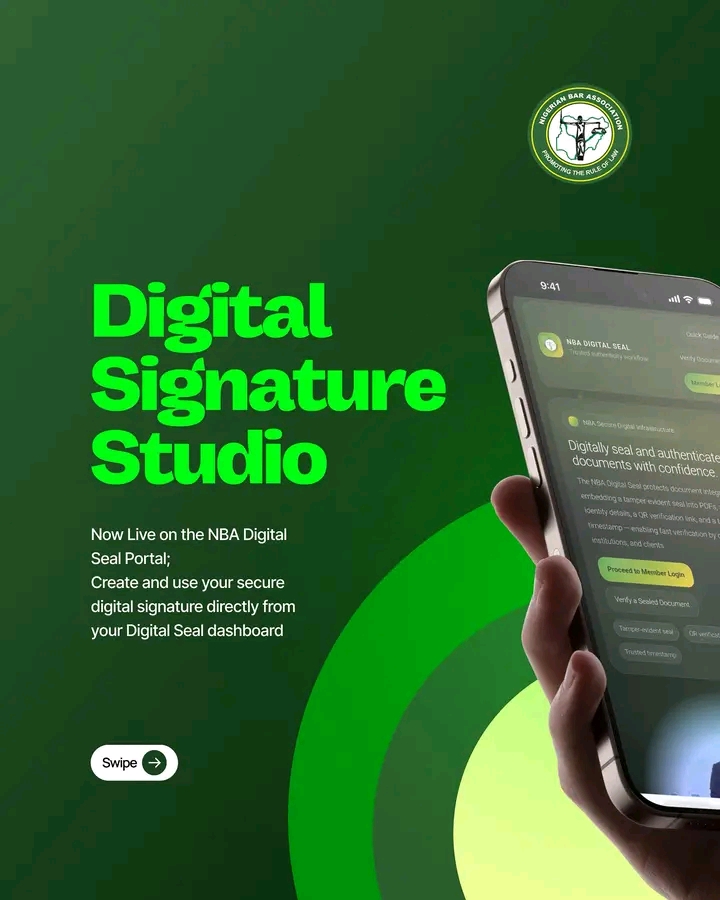
Legal practice is increasingly digital. Many lawyers today review, approve, and transmit documents directly from their phones and laptops without the need to print, sign, and scan physical copies. In response to this evolving mode of practice, the Nigerian Bar Association (NBA) has introduced the Digital Signature Studio on the NBA Digital Seal Portal, providing a seamless way for lawyers to sign documents electronically within the platform.
With this feature, lawyers can now create, store, and affix secure digital signatures directly from their Digital Seal dashboard, allowing documents to be signed instantly while maintaining the highest standards of security, authenticity, and professional integrity.
The Digital Signature Studio enables practitioners to sign documents digitally and combine their signature with the NBA Digital Seal where required, making virtual legal work faster, more efficient, and fully verifiable.
CREATING YOUR DIGITAL SIGNATURE
Lawyers can generate their personal digital signatures through the Signature Studio in just a few simple steps:
1. ACCESS THE SIGNATURE STUDIO
From your Digital Seal Dashboard on https://digitalseal.nigerianbar.online, navigate to E-Signatures to open the Signature Studio.
2. CHOOSE YOUR PREFERRED CREATION METHOD
• Trackpad
Draw your signature directly using your mouse or laptop trackpad.
• Camera Capture
Write your signature on a clean white sheet of paper, capture it with your camera, click Preview, and the system will automatically clean and convert it into a digital signature.
• Upload
Upload a scanned image of your signature (the signature must be on a blank white background).
3. SAVE YOUR SIGNATURE
Once satisfied, click Save.
Your saved signatures will appear in the right-hand signature panel for easy access whenever you need them.
HOW TO AFFIX YOUR SIGNATURE TO A DOCUMENT
From your Digital Seal Dashboard:
1. Upload your PDF document
2. Choose your action:
• Sign Only
• Sign & Seal
3. Select your saved signature
4. Drag or click to position the signature on the document
5. Click Apply & Download
Your processed document will download instantly, ready for use or transmission.
SECURITY AND VERIFICATION
The Digital Signature Studio is built with strong security architecture to safeguard the integrity of legal documents.
• Documents are NOT stored on the server
• Only the verification fingerprint and metadata are recorded
• Every signed or sealed document contains a QR verification code for authentication
For assistance with the Digital Signature Studio or the Digital Seal Portal, contact:
[email protected]
This innovation reflects the NBA’s continued commitment to modernising legal practice, enabling lawyers to work more efficiently in a digital environment while preserving the credibility, authenticity, and security of legal documentation.